FileMarkd Articles
Practical guides for document conversion into clean Markdown, structured JSON schemas, OCR, and AI pipelines.
Learn how to convert, structure, and extract PDFs, Word, and images for human reading, LLMs, and modern knowledge bases.
Latest Articles
Fresh tutorials, technical breakdowns, and deep dives from our engineering team.
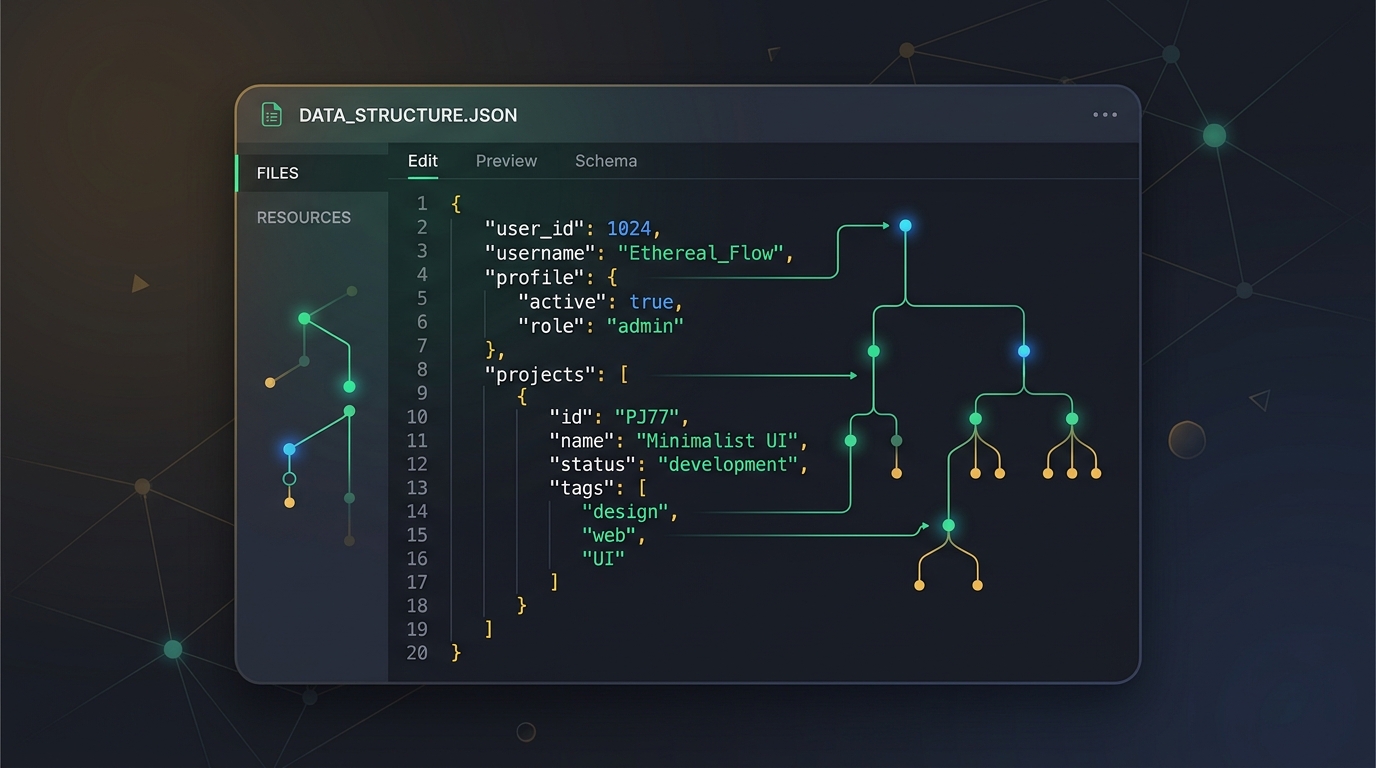
How to Open a JSON File — and What's Inside One
Learn what is a JSON file, how to open a JSON file on Windows, Mac, Android, and web browsers without special software, what's inside the syntax, and how to convert documents into structured JSON.
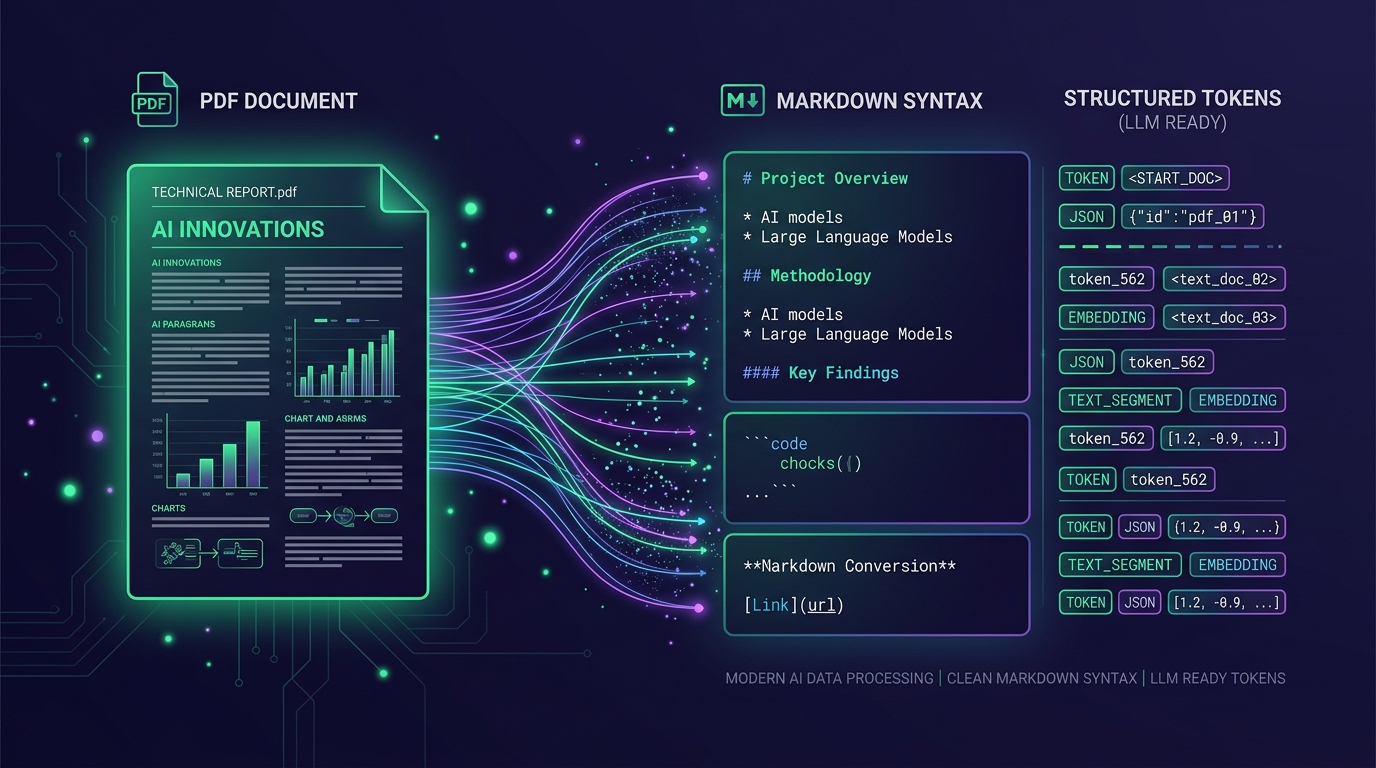
Convert PDF to Markdown for AI — ChatGPT, Claude & LLMs
Learn how to convert PDF to Markdown for LLM and Claude context windows. Discover why AI models prefer structured Markdown over raw PDF text, compare vision parsers vs OCR, and optimize documents for prompt engineering and RAG.
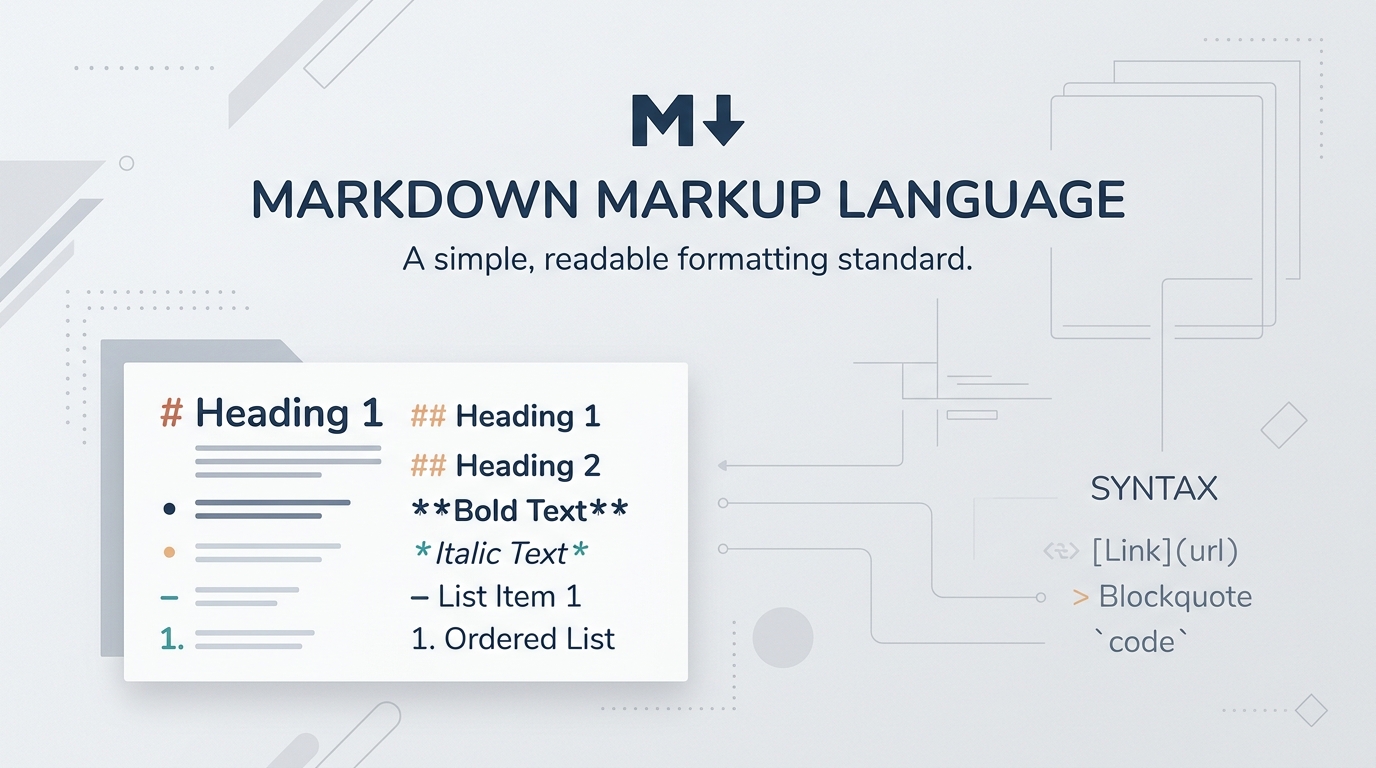
What Is a Markdown (.md) File and How to Open It
Understand what a Markdown (.md) file is, how Markdown markup syntax works, how to open .md files on any device (Windows, Mac, iOS, Android, web), and how to convert complex PDFs or Office docs into clean Markdown.
Document Conversion Guides
Learn how to convert different document formats into clean, structured Markdown or machine-readable JSON schemas ready for documentation, static sites, and AI pipelines.
PDF → Markdown
Convert PDFs into structured Markdown with intact math formulas, tables, and multi-column layouts.
Word → Markdown
Convert DOCX files into clean Markdown, preserving footnotes, styles, headers, and nested lists.
Excel → Markdown
Convert spreadsheets into GitHub-ready Markdown tables with intact column alignment.
Image → Markdown
Extract text and diagrams from screenshots and photos with OCR, exporting clean Markdown.
Document → JSON
Extract typed JSON schemas, nested hierarchies, and structured table records ready for RAG pipelines and AI analysis.
What Can You Do with FileMarkd?
Transform unstructured documents into Markdown (.md) and structured JSON (.json) compatible with modern knowledge stacks.
Academic Papers
Convert papers and research documents into clean Markdown or structured JSON, preserving LaTeX equations, citations, and multi-column figures.
AI & RAG Knowledge Bases
Prepare documents for RAG pipelines. Markdown provides semantic boundaries, while structured JSON enables chunked vector embeddings with metadata.
Documentation & Knowledge Bases
Turn legacy PDF user manuals and DOCX specs into structured MD for Git-backed static site generators, or JSON for structured data catalogs.
Content Migration
Move legacy archives and vendor specs into modern workflows like Notion and Obsidian, or ingest directly into databases via JSON payloads.
Ready to learn document conversion?
Explore our comprehensive guides for turning PDFs, Word docs, spreadsheets, and images into clean, structured Markdown and typed JSON schemas.
Frequently Asked Questions
Can I export structured JSON in addition to Markdown?
Yes! FileMarkd features dual-format export. You can convert any document into either standard CommonMark/GFM Markdown (.md) or typed, structured JSON (.json) complete with nested section hierarchies, table arrays, and extracted metadata—ideal for direct ingestion into RAG pipelines, vector databases, and AI workflows.
How does FileMarkd handle mathematical equations in PDFs?
FileMarkd recognizes inline and display LaTeX math syntax ($ and $$) from font glyph maps or neural vision encoders, exporting standard CommonMark LaTeX supported by Obsidian, Notion, and GitHub, as well as structured math expressions in JSON output.
Can I convert scanned papers with multiple columns?
Yes. Our geometric layout detector clusters columns and reads them in natural reading order without horizontal bleeding or broken sentences.
Is there token savings when passing Markdown or JSON to LLMs instead of raw PDFs?
Typically 40% to 70% reduction in tokens because extraneous headers, duplicate page numbers, and binary font descriptors are eliminated, leaving only high-density semantic text and clean JSON objects.